Demo Helper Widget
An internal tool I built to improve the way I communicate designs to our engineering and product teams
More and more of my design work now lives in code rather than in Figma. I prototype new flows directly in our Laravel app, and every branch I push deploys automatically to its own live site, so the prototype is always something real people can click through.
Demo Helper is the tool I built, entirely with Claude, to make those live prototypes easy to hand off. It sits on top of any branch deploy and walks a teammate through a specific flow, one highlighted step at a time.
The problem
Moving from Figma to code made my prototypes far more realistic, but it took away something I relied on at handoff. In Figma, I can point operations and engineering straight at a new flow: here's the frame, here's the arrow, here's what happens next. A live site has none of that. When I shared a branch link, teammates landed on a full working product with no idea where the new work was or what order to go through it in.
Flat designs also had a gap of their own. Our product looks different depending on who is signed in (an admin, a member, an alum), and in Figma each of those perspectives was a separate set of frames that was easy to lose track of. I wanted a handoff that could show the same flow from each side without rebuilding it.
The solution
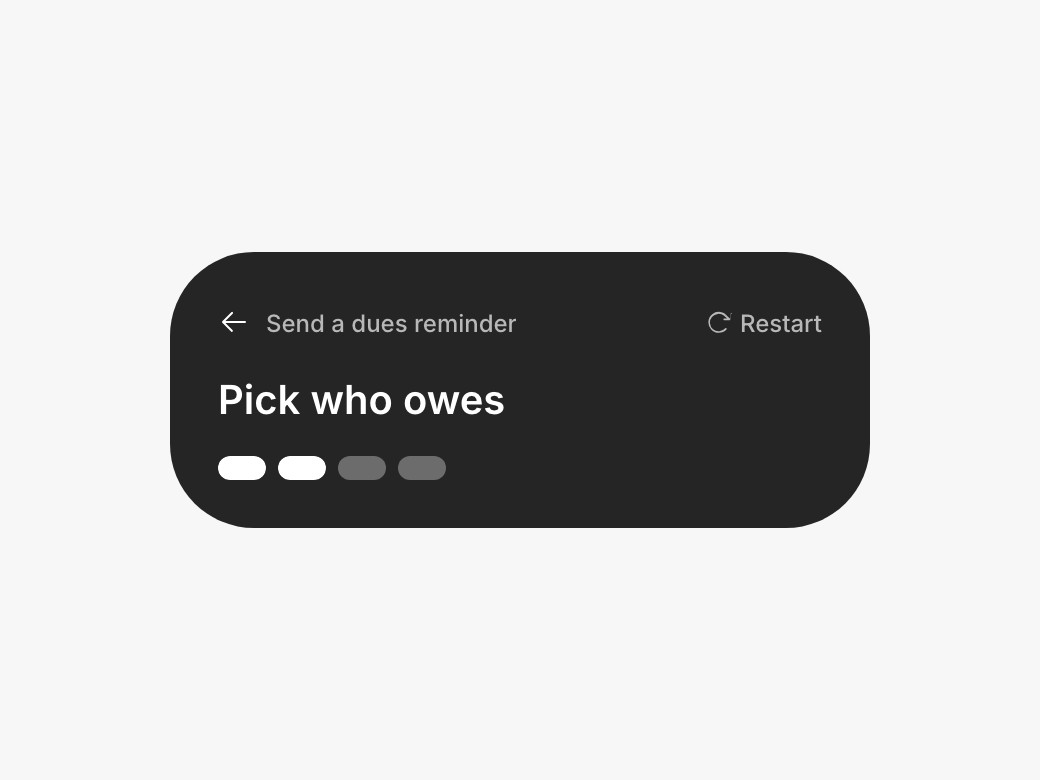
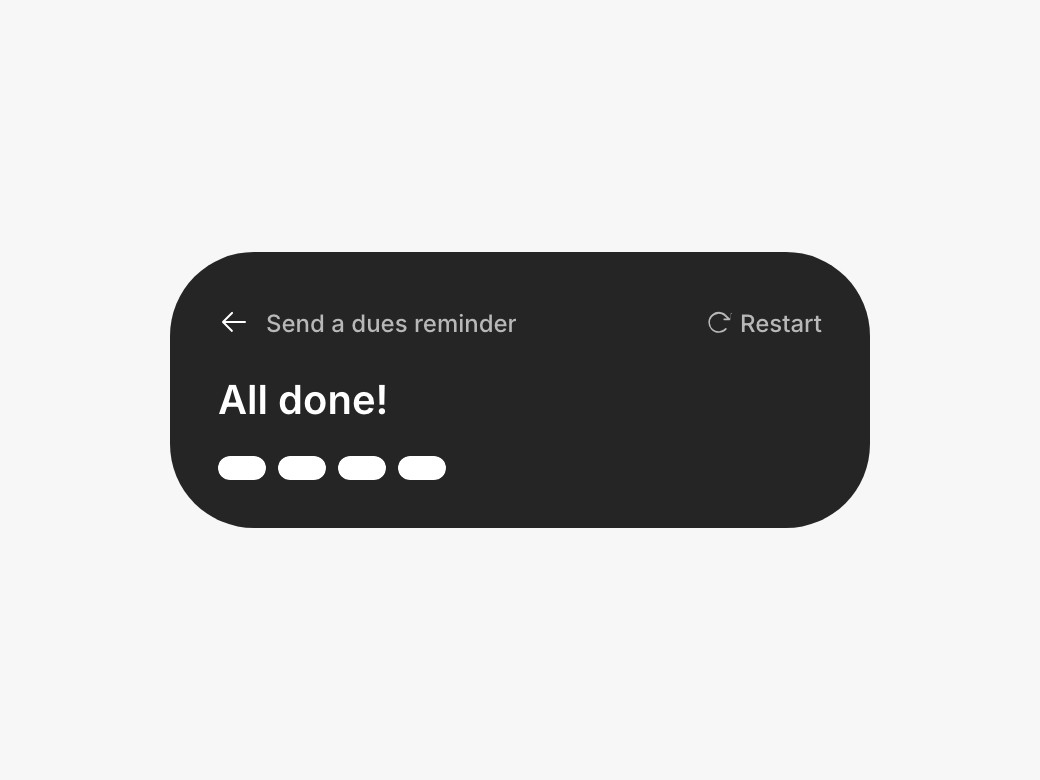
Demo Helper turns any user task into a guided walkthrough on the live prototype. I write out the task as a list of steps in plain language, and Claude links each step to the actual component on the page it's about. When a teammate runs the task, the helper highlights that component, tells them what to do, and moves on as soon as they've done it.
Switching perspectives
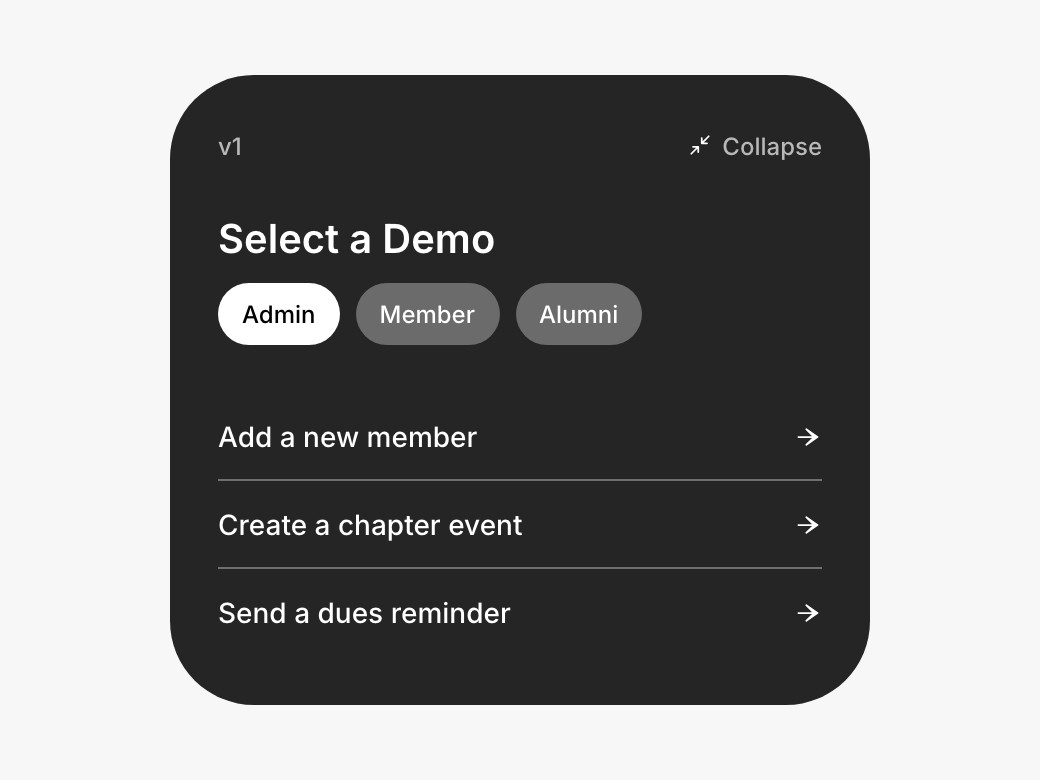
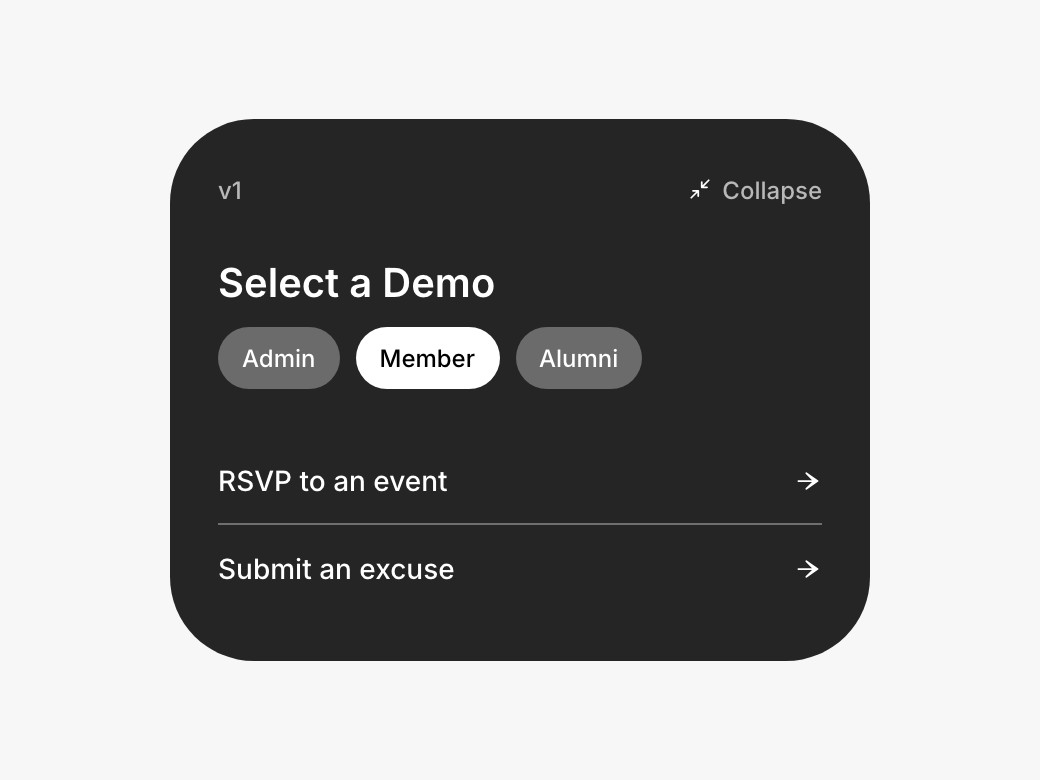
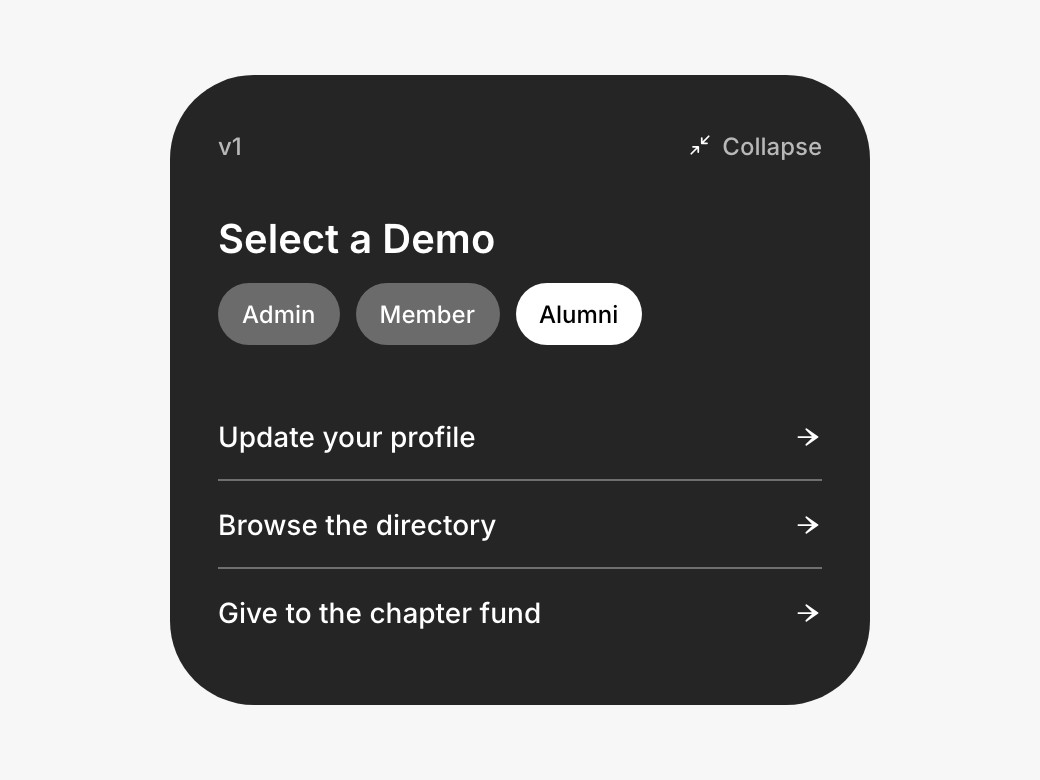
The most-requested piece was the one Figma couldn't do well: seeing a flow from each type of user. Demo Helper sorts every task by who it's for, and a toggle at the top of the menu switches between admin, member and alumni perspectives. Reviewers can follow a change from the side that makes it to the side that receives it, on the same live prototype.
What I learned
Handing my team a working prototype with a guide built in saves them from hunting for the new work, and saves me a lot of explaining. Building the tool with Claude also made me much more comfortable designing directly in code, which is where most of my prototyping happens now.