Redesigning user roles and permissions
Collapsing 100+ permissions into three plain-language access levels.




The problem
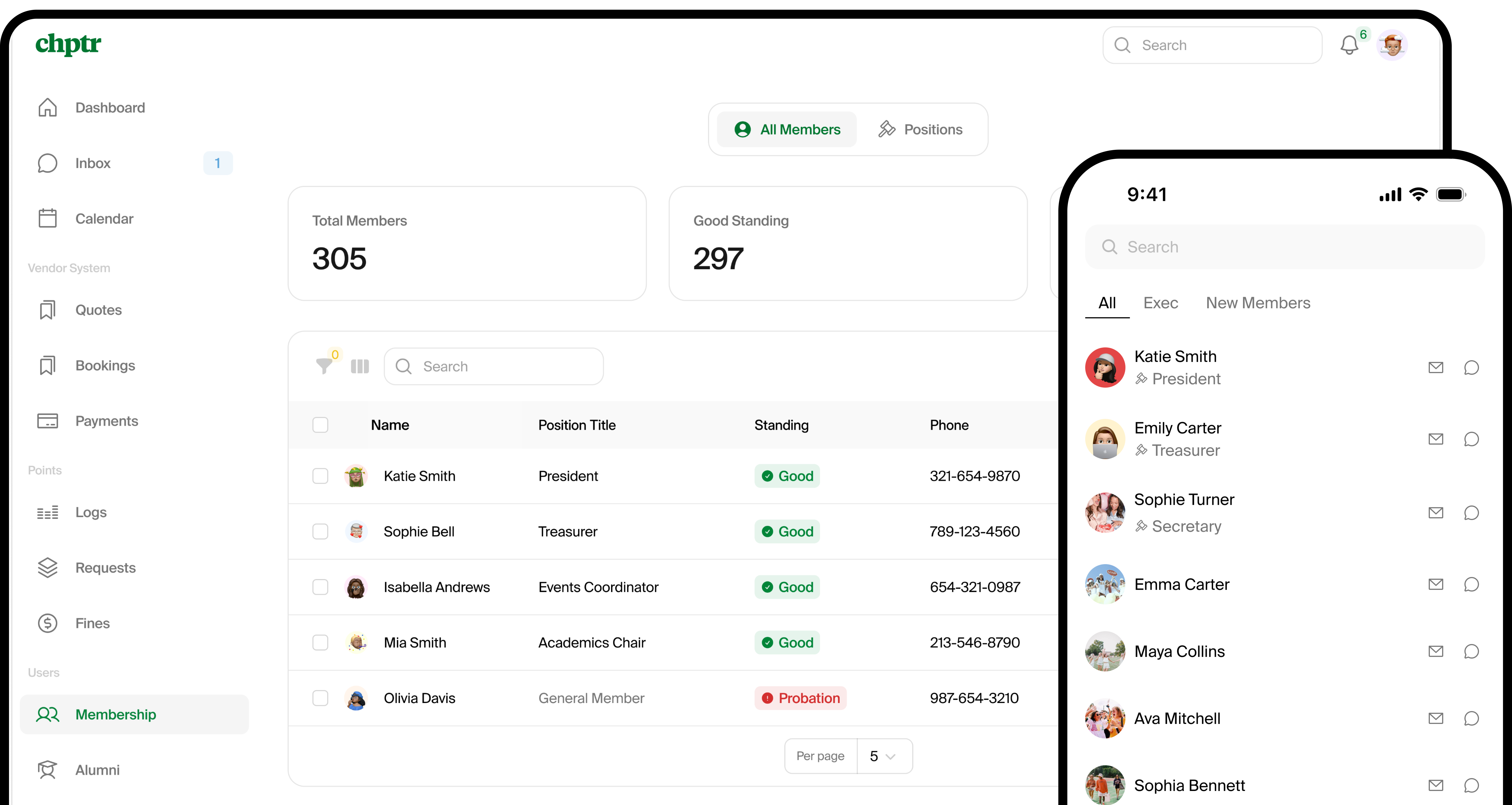
Chptr is used by collegiate organizations to run their day-to-day: events, dues, fines, point systems, member directories, vendor bookings. The user configuring it are chapter execs who turn over every spring, not well-versed IT administrators with an extensive knowledge of permission schemes. Whatever ships has to be re-learnable by a new board each year.
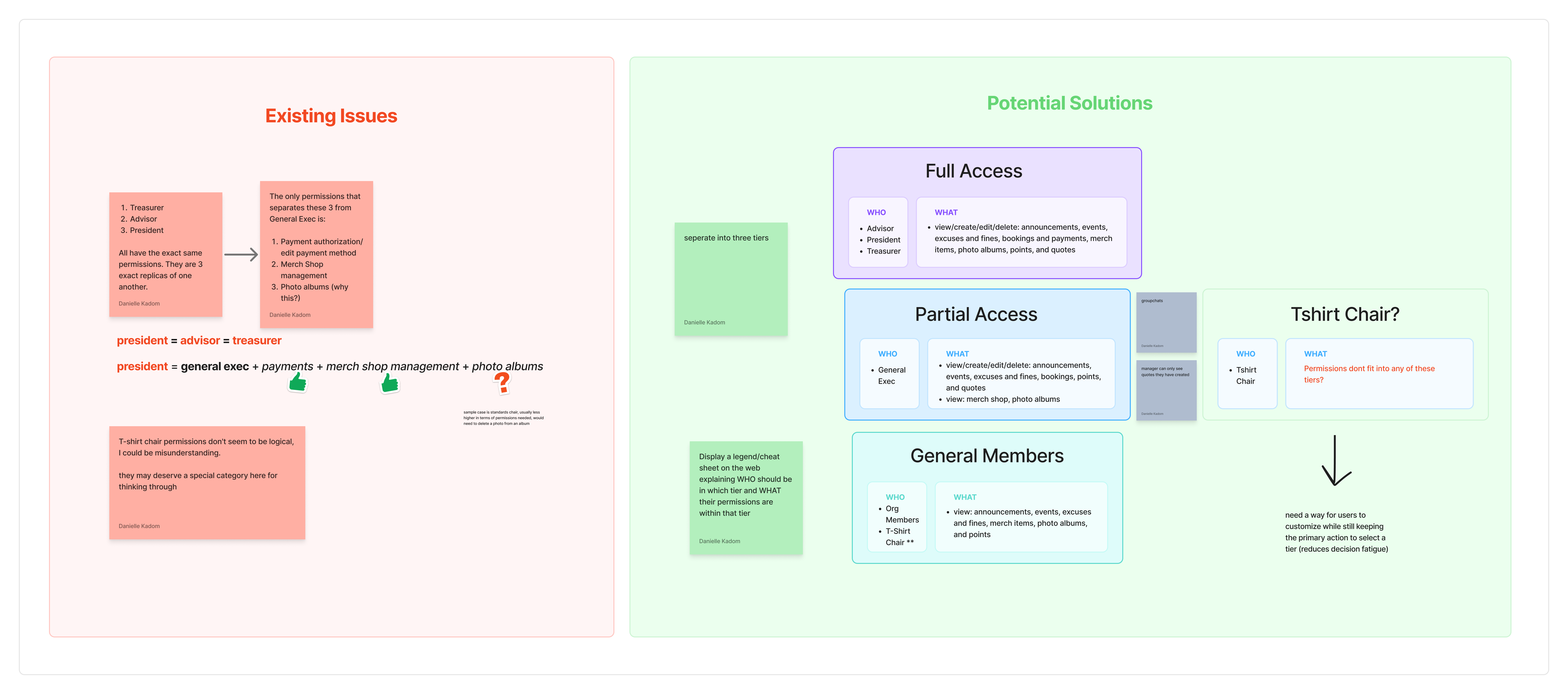
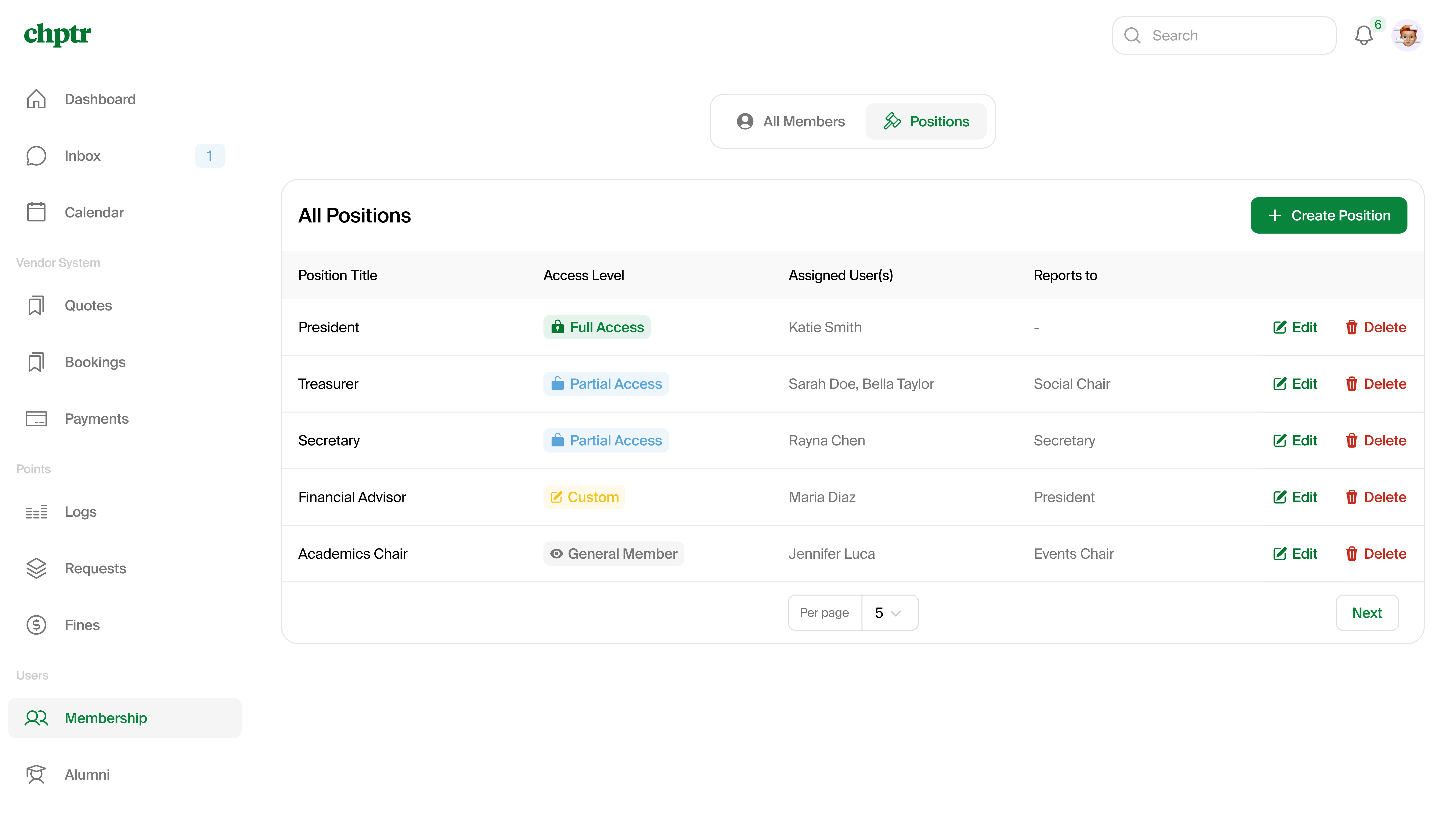
The old permissions interface was a source of constant friction. It was a tangle of 100+ granular permissions grouped into eight access tiers with no explanation of what any of them did. The treasurer, advisor, and president permissions had no functional differences, and customizing access meant parsing a long string of permission names duplicated across hundreds of orgs.
The pain showed up downstream: our internal operations team were spending 2+ hours every transition period just trying to utilize our own software.
Goals
Longevity. Encourage orgs to create position titles that survive turnover. Only the assigned person(s) should change year to year.
Simplification. Three tiers should cover most cases. Customization should exist, but it should cost the user a deliberate click rather than be the default expectation.
Key decisions
1. Collapse to three tiers, with one escape hatch
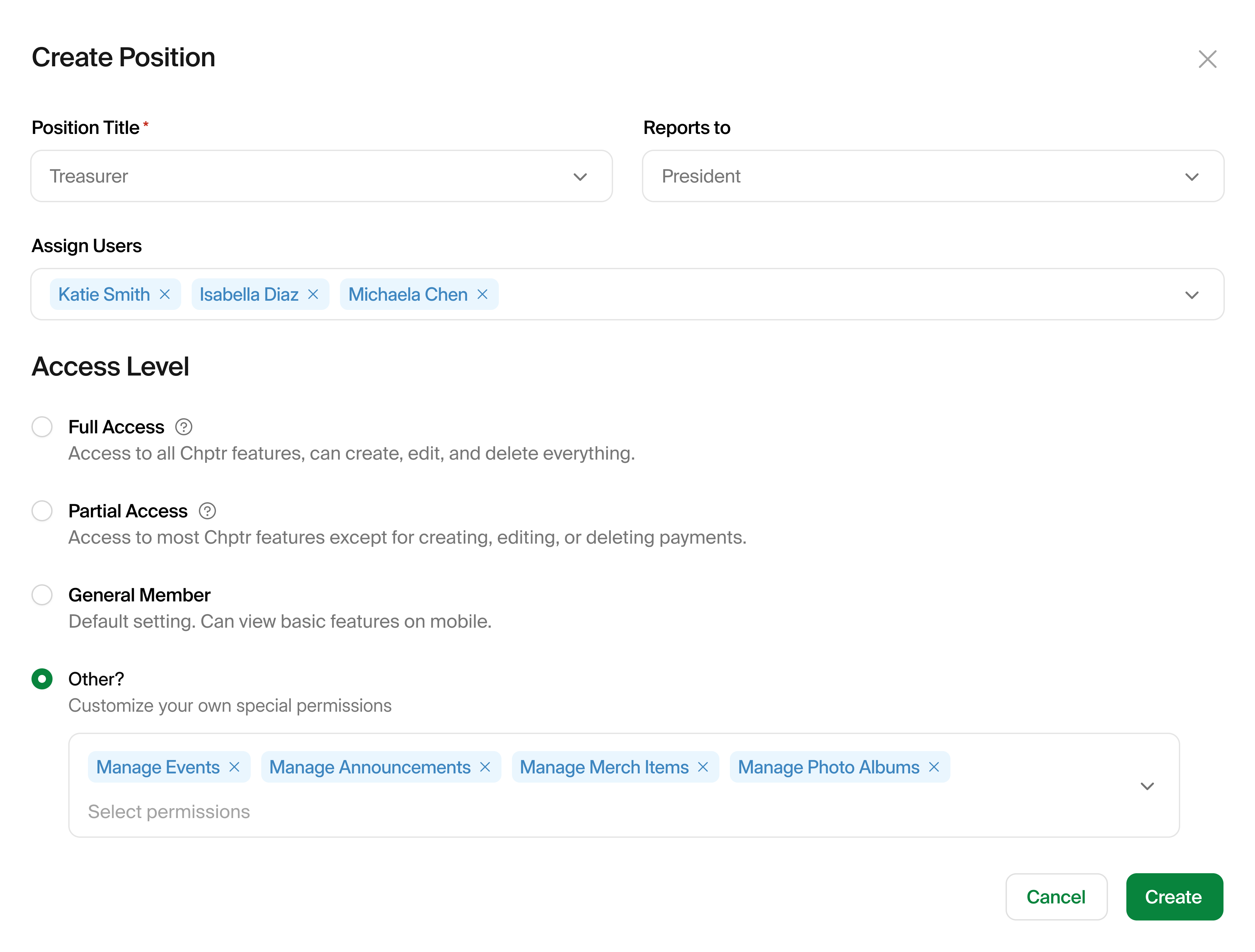
I cut the eight tiers down to Full Access, Partial Access, and General Member; the three patterns the underlying permission data actually showed. We service hundreds of organizations across dozens of campuses, and each chapter handles their positions differently, setting up a strong case for the need to customize.
This also collapsed three layers of architectural complexity: 100+ permissions grouped into 8 manage permissions turned into just 4 access levels.
| Full Access | Partial Access | General Member | |
|---|---|---|---|
| Events |  Edit Edit | Edit |  View View |
| Announcements | Edit | Edit | View |
| Photo Albums | Edit | Edit | View |
| Quotes & Bookings | Edit | Edit | View |
| Merch Shop | Edit | View | View |
| Payments | Edit | View | View |
| Excuses & fines | Edit | View | View |
| Point Requests | Edit | View | View |
2. Decouple "who" from "what they can do"
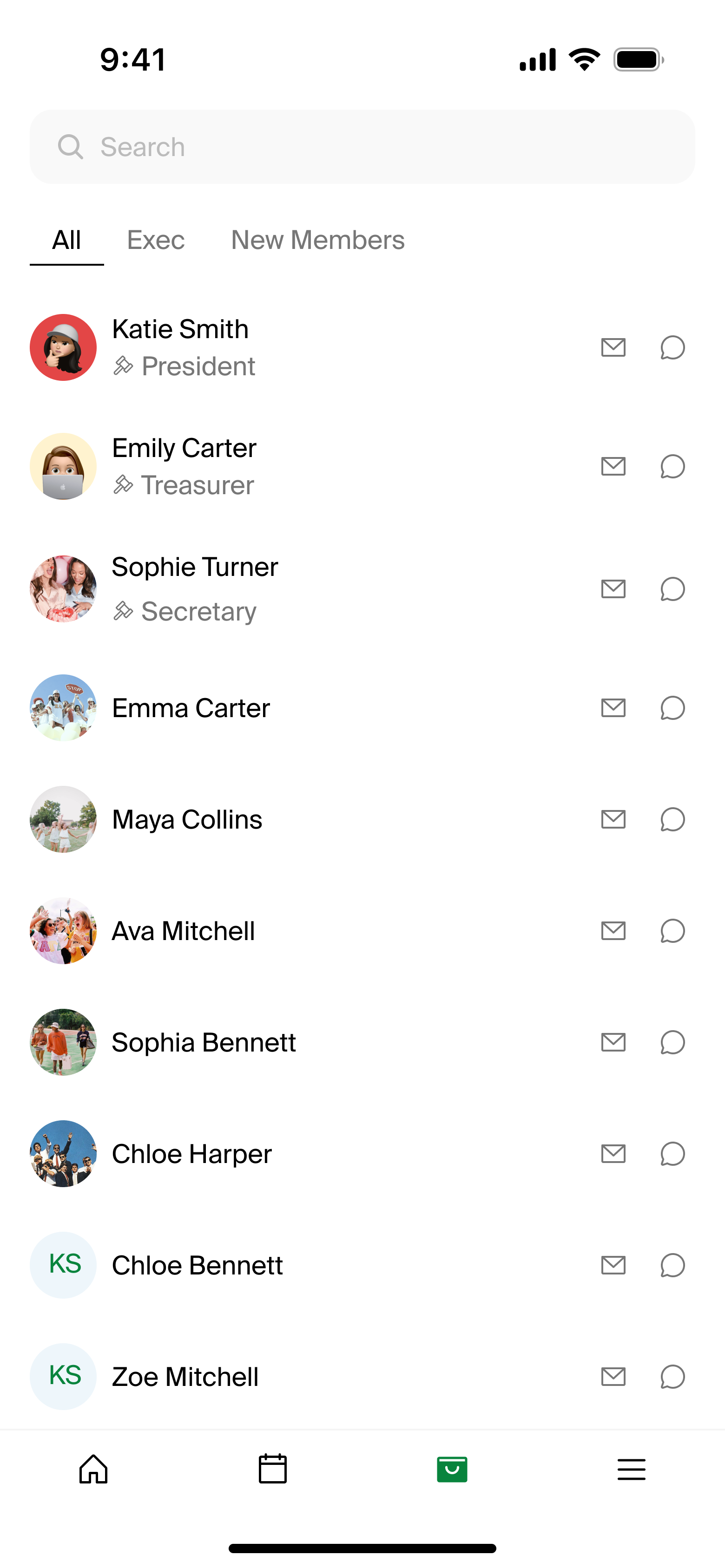
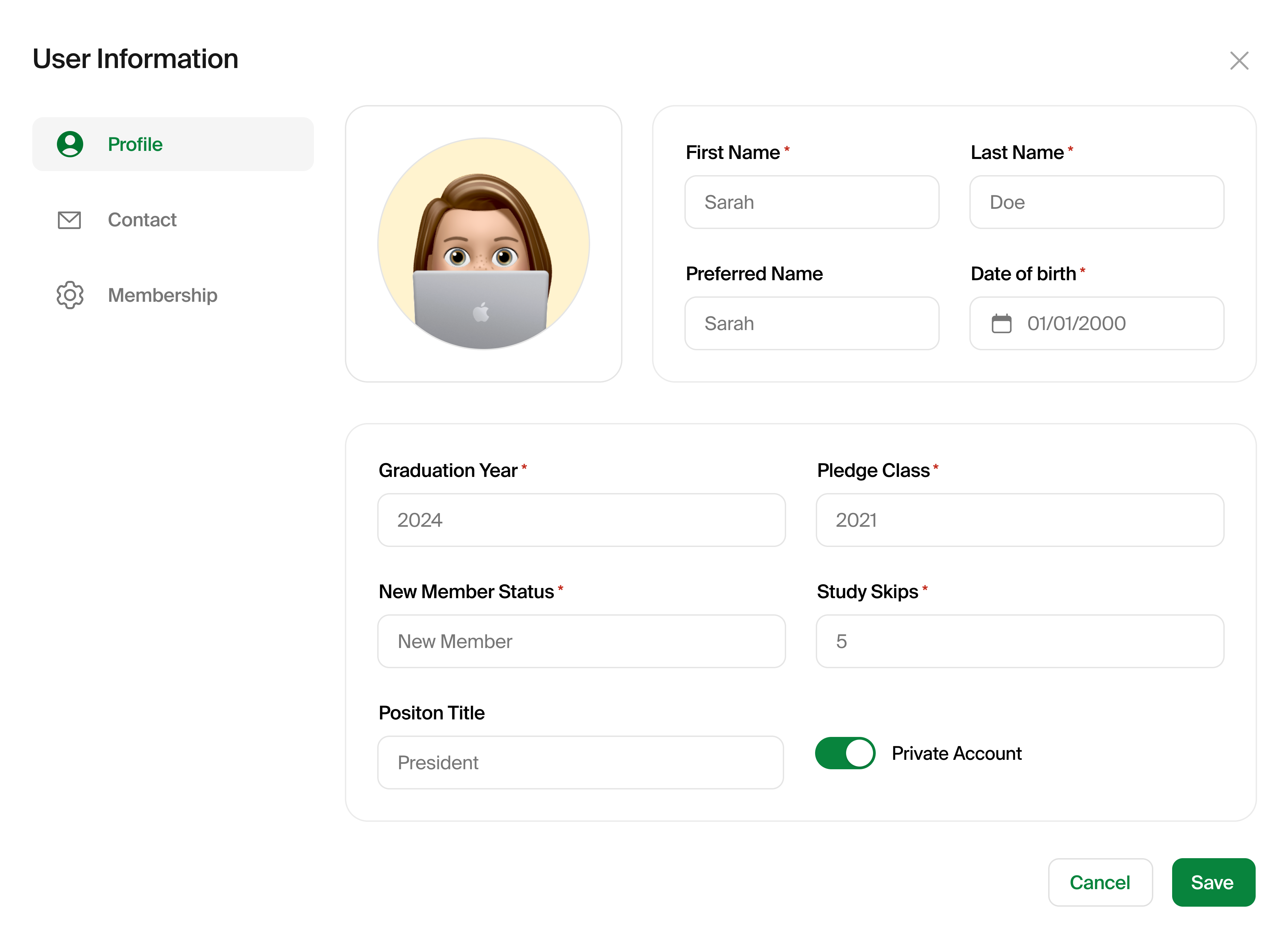
The new Position object owns the title, the access level, the reporting line, and whether to display in the member directory. A position outlives its current occupant. When the new VP takes over in fall, the org doesn't rebuild permissions. Instead, they just select different users.
3. One-to-one mapping as a pragmatic v1
Many-to-many user-to-position is technically more correct, but migrating thousands of orgs from the old permission tangle to a many-to-many model in one release was too risky. I scoped v1 to 1:1 and worked with ops on a documented workaround for multi-hat members. We can lift the restriction in v2 without re-teaching the mental model.
Results
The strongest evidence to measure success in this case is reduction in structural complexity. These simplifications are true from day one of release.
| Structural change | Before | After | Reduction |
|---|---|---|---|
| Granular permissions admins had to reason about | 100+ | 8 grouped manage permissions | ~92% |
| Top-level choices in the access picker | 8 ambiguous tiers | 3 named tiers + 1 custom | 50% |
| Surfaces involved in permission setup | 4 fragmented pages | 1 unified page | 75% |
| Inline explanations of what each tier does | 0 | 4 (one per tier, plus hover tips) | — |
What I learned
The 1:1 constraint was the right call for v1, but it's already adding to our ops team's workload. Every multi-hat executive needs the workaround walked through, and that adds up. Looking back, I'd push the many-to-many migration earlier in the v2 roadmap than I originally scoped.
The launch also reframed how I think about documentation. I built a one-pager internal guide to highlight what changed and how the operations team should walk users through it, and that single artifact ended up pulling weight in places I didn't anticipate. Marketing pulled from it to use for email and social, operations used it to answer questions faster, and engineering had a shared reference for the new model. The lesson stuck: documentation isn't a follow-up. When the work is good, it travels.